Website & Brand Photo Strategy Checklist
Prepare your visuals before they shape your brand.
Images communicate faster than words.
Before someone reads your headline, they absorb your visual world.
Photography is not decoration. It is positioning.
This guide helps you think strategically about how visuals support credibility, pricing, trust, and conversion.
Direction before the camera.

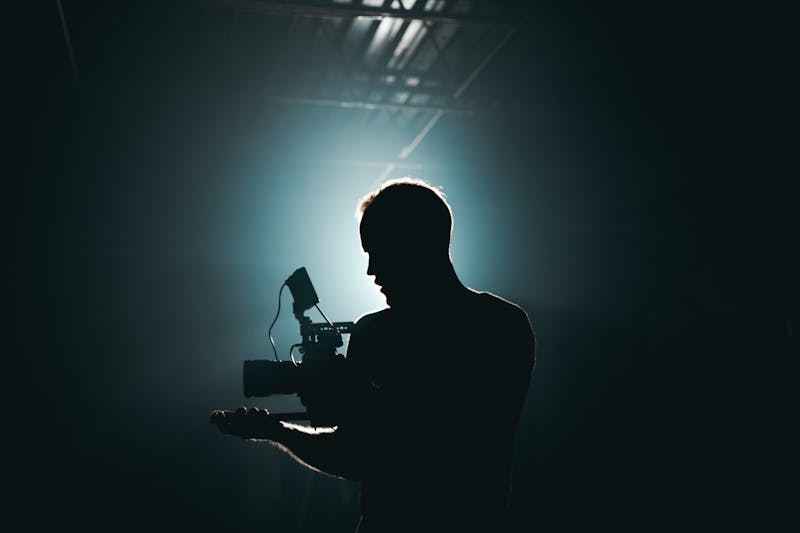
Define the Visual Mood
• Should your visuals feel bright or muted?
• Minimal or layered?
• Calm or dynamic?
• Structured or spontaneous?
Describe your desired mood in 3–5 sentences.
Alignment builds perception.
When You Cannot Photograph Clients
If privacy is a factor:
• Can you show process instead of people?
• Can you photograph tools or environments?
• Can you stage scenarios without revealing identity?
Alternatives include:
• Workspace details
• Conceptual visuals
• Textures aligned with your brand
Privacy requires creativity, not compromise.
Authenticity in Visuals
• Does this reflect how you actually work?
• Would a client recognize you?
Authenticity means coherence between tone, pricing, positioning, and visuals.
Positioning Your Best Offer Through Photography
Highlight your strongest service or product:
• Use dominant hero visuals.
• Allow visual breathing space.
• Keep color grading consistent.
Photos guide attention and support perceived value.
How Photo Style Shapes Website Design
Photography influences:
• Background tones
• Accent colors
• Typography feel
If your images are warm, your website should not feel cold.
Design and photography are one system.
Using Stock Photos Strategically
Stock photos are acceptable when used intentionally.
Checklist:
• Match color tone.
• Avoid clichés.
• Apply consistent editing.
• Mix with original visuals.
Consistency matters more than originality.
Technical & Quality Checklist
□ High resolution
□ Consistent lighting
□ No heavy filters
□ Space for text overlay
Low-quality visuals reduce perceived value instantly.
DIY vs Professional
• Is this temporary?
• Does your pricing justify professional visuals?
Professional photography supports premium positioning.
Thoughtful DIY is better than random professional.
Free Tools for Editing & Optimization
Lightroom Mobile — https://www.adobe.com/products/photoshop-lightroom-mobile.html
Ease: ★★★★☆
Canva Background Remover — https://www.canva.com/features/background-remover/
Ease: ★★★★★
TinyPNG — https://tinypng.com
Ease: ★★★★★
Remove.bg — https://www.remove.bg
Ease: ★★★★☆
Tools enhance. They should not distort.
What You Can Do — And What Studio VN Can Do
You can:
• Define your visual mood.
• Prepare a shot list.
• Curate consistent imagery.
Studio VN can:
• Align visuals with positioning.
• Integrate photos strategically into layout.
• Optimize performance.
• Create a coherent visual system.
Strong visuals build trust faster than any headline.
They reinforce positioning and guide attention.
Photography is strategy in visual form.
Tip: In the print dialog, choose 'Save as PDF' to download.